
Compress Video to Fit Any Limit
Raccoon compresses videos to a target file size for chat apps, email, and sharing. Choose a preset or enter a custom limit, then check that the finished video fits before sending.
Get it on Google Play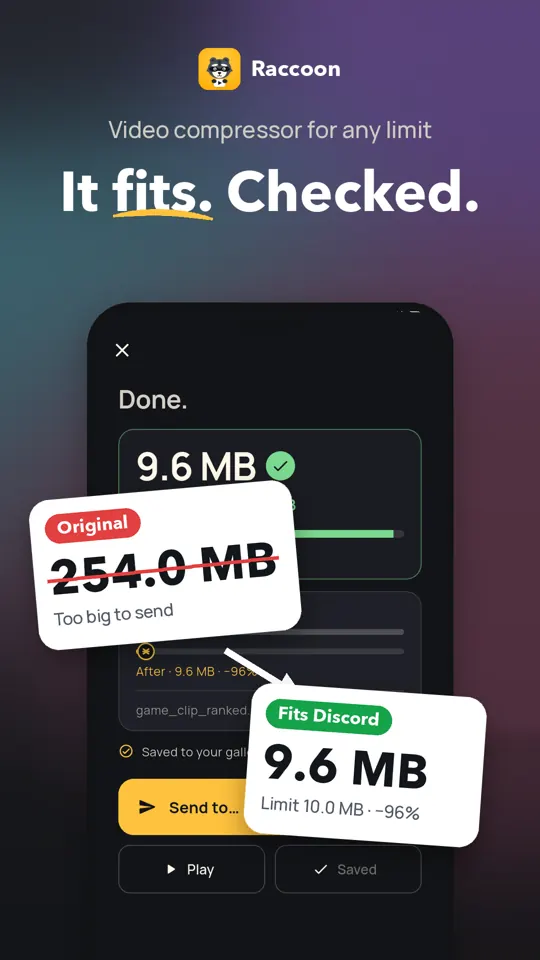
See Raccoon in Action
Video Compression Features
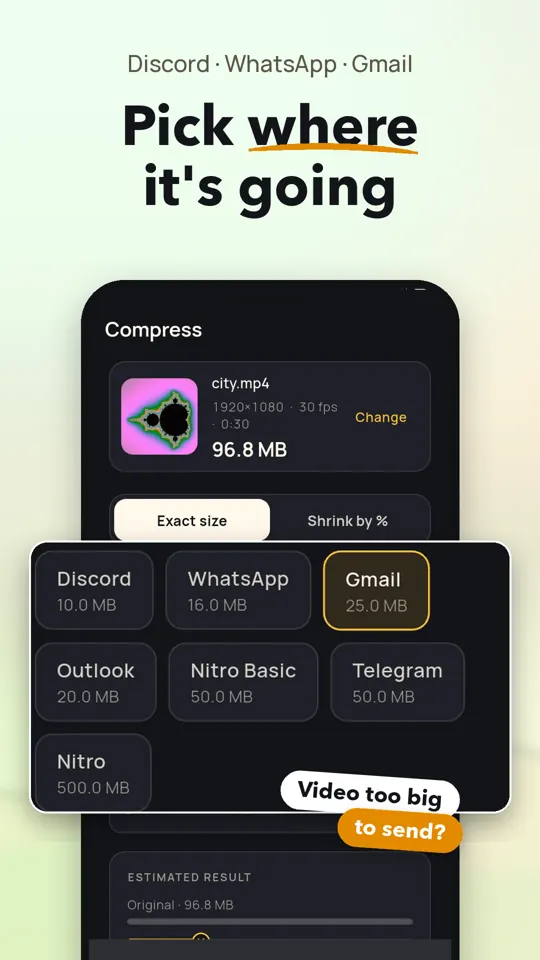
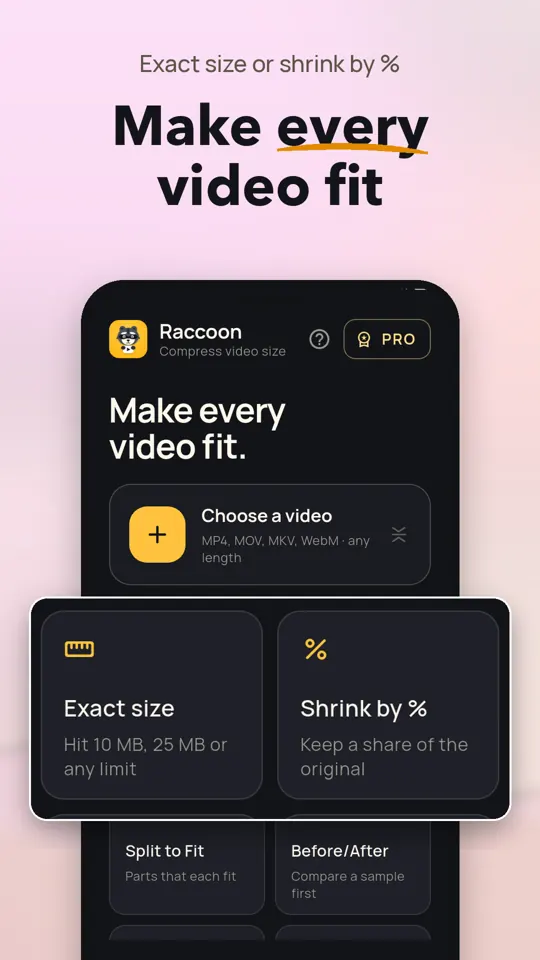
Hit Your Exact File Limit
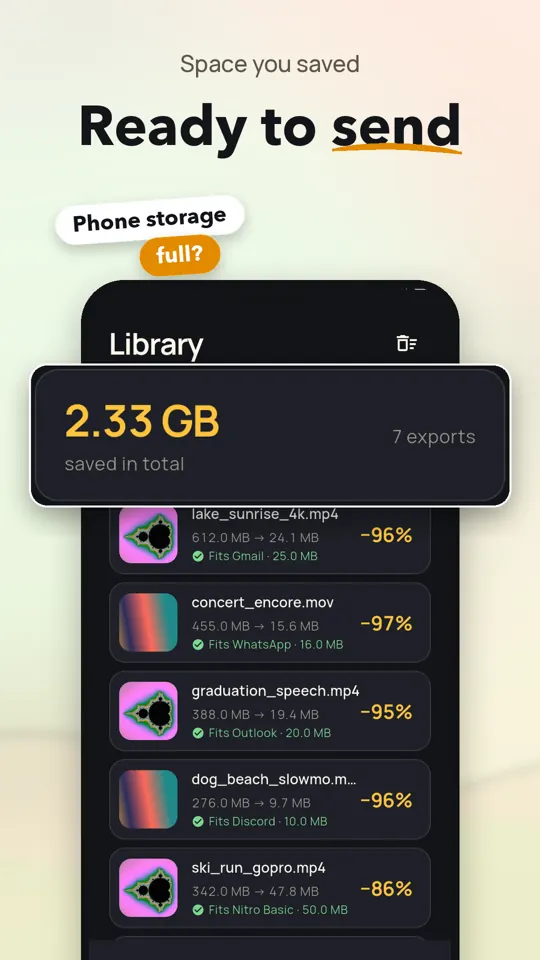
Choose a preset for Discord, WhatsApp, Gmail, Outlook, or Telegram, or enter a custom size in MB. Raccoon checks the finished file and can re-encode it if it is over the target.
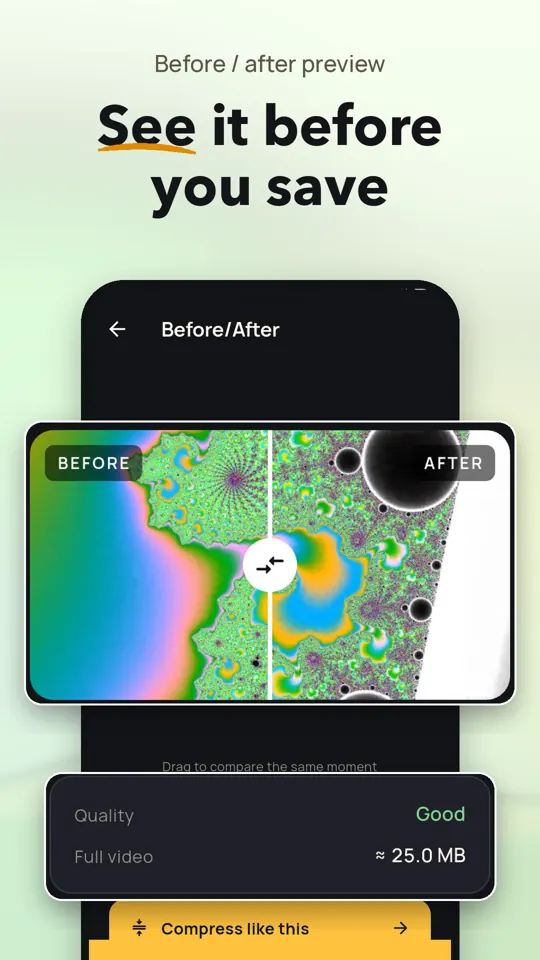
Preview Size Before Encoding
See a predicted file size and quality rating before compression starts. Pro adds a three-second Before/After sample with a wipe slider, with one free try.
Shrink by Percentage
Use one slider to keep a selected percentage of the original video size. The plan and estimate update as you adjust it.
Resize, Trim, and Mute
Choose a lower resolution, trim to the section you need, mute audio, or cap frame rate to reduce file size.
Compress Multiple Videos
Queue videos under one target size. The free version supports up to three at once; Pro removes the batch limit.
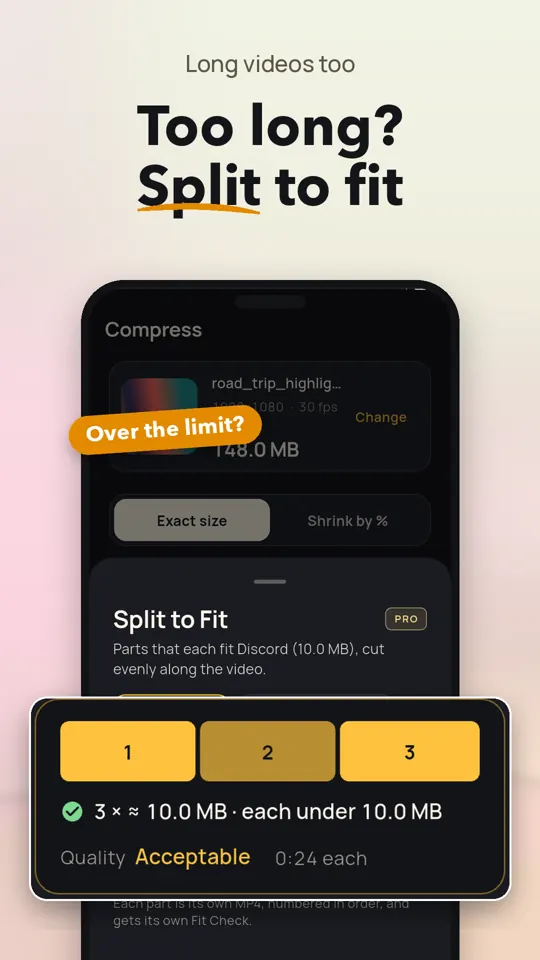
Split Long Videos to Fit
Pro can divide a long video into parts that each meet your target size. You can also unlock this feature with a short ad for 30 minutes.
Choose H.264 or H.265
H.264 offers broad compatibility. Pro includes H.265 (HEVC) on phones with a hardware HEVC encoder.
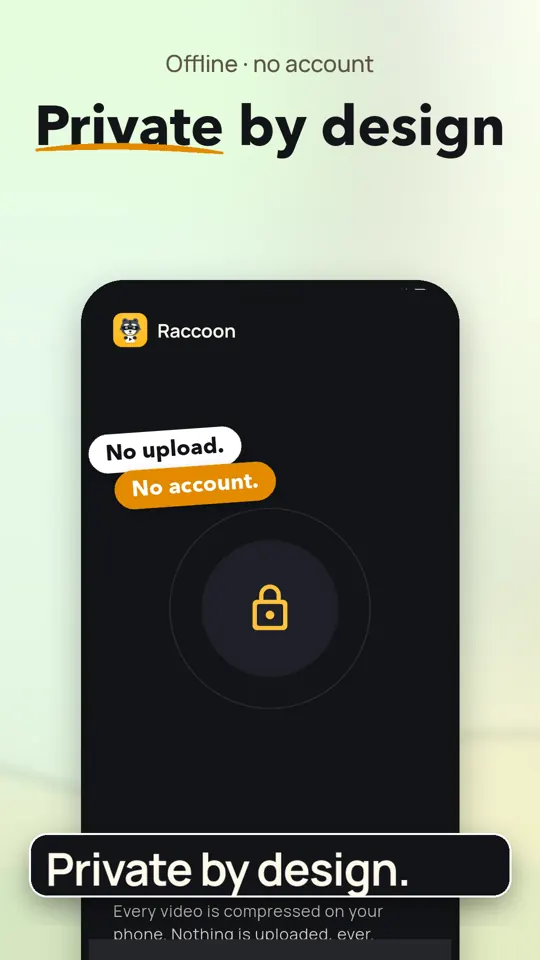
Keep Videos on Your Phone
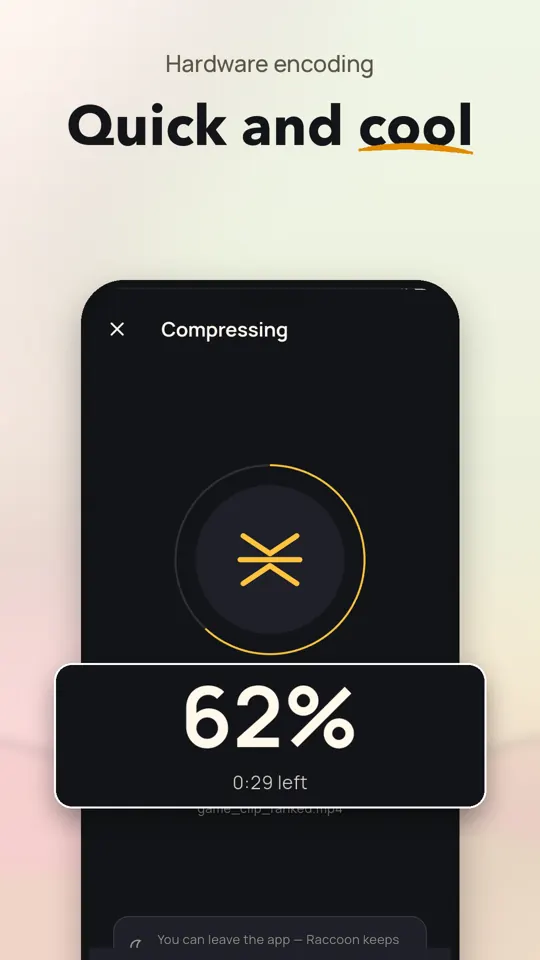
Compression happens on your phone; videos are not uploaded and no account is needed. Your original stays unchanged, and compressed copies can be saved to your gallery.
Get Started in Three Steps
Choose a Video
Pick a clip in Raccoon or share one from your gallery to the app.
Set the Size
Select an app preset or enter a custom limit, then adjust compression options if needed.
Check and Share
Raccoon measures the result, shows whether it fits, and lets you send or save the compressed video.
When Raccoon Helps
- Sending videos in Discord chats
- Sharing clips through WhatsApp
- Attaching videos to email
- Fitting videos under custom size limits
- Shrinking large 4K phone recordings
- Splitting long videos into smaller parts
Free and Pro
Free
- Exact-size compression with presets and Fit Check
- Shrink by percentage, resize, trim, mute, and cap frame rate
- H.264 compression and batches of up to three videos
- One Before/After preview try
Pro
- Split long videos to fit a size limit
- Unlimited Before/After previews
- H.265 (HEVC) compression on supported phones
- Unlimited video batches
- 256 and 320 kbps audio options
- No ads
Frequently Asked Questions
Does Raccoon work offline?
Yes. The app can open and compress videos offline. Ads and billing may not be available without a connection.
Is Raccoon free to use?
The free version includes exact-size compression, Fit Check, editing options, H.264, and batches of up to three videos, and it shows ads. Pro features can also be unlocked for 30 minutes by watching a short ad.
Are my videos uploaded or changed?
No. Compression happens on your phone, and videos are not uploaded. Raccoon leaves the original unchanged and saves compressed copies to your gallery.
Which phones can use Raccoon?
Raccoon is an Android app. H.265 compression is available on phones with a hardware HEVC encoder.
Can I compress a video for Discord?
Yes. Choose a Discord size preset or enter a custom limit. Raccoon checks the finished file and reports whether it fits.
Which video formats does Raccoon support?
Raccoon supports MP4, MOV, MKV, WebM, 3GP, and other common formats. Compressed videos are saved as standard MP4 files.
Guides
How to Compress Video on Android
Learn how to make Android videos smaller with editing settings, resolution and frame-rate changes, plus practical tips for sharing without losing more quality than needed.
How to Compress a Video for Discord
Learn how to compress video for Discord with practical settings, free methods, and fixes for failed uploads. Keep the video clear while meeting your limit.